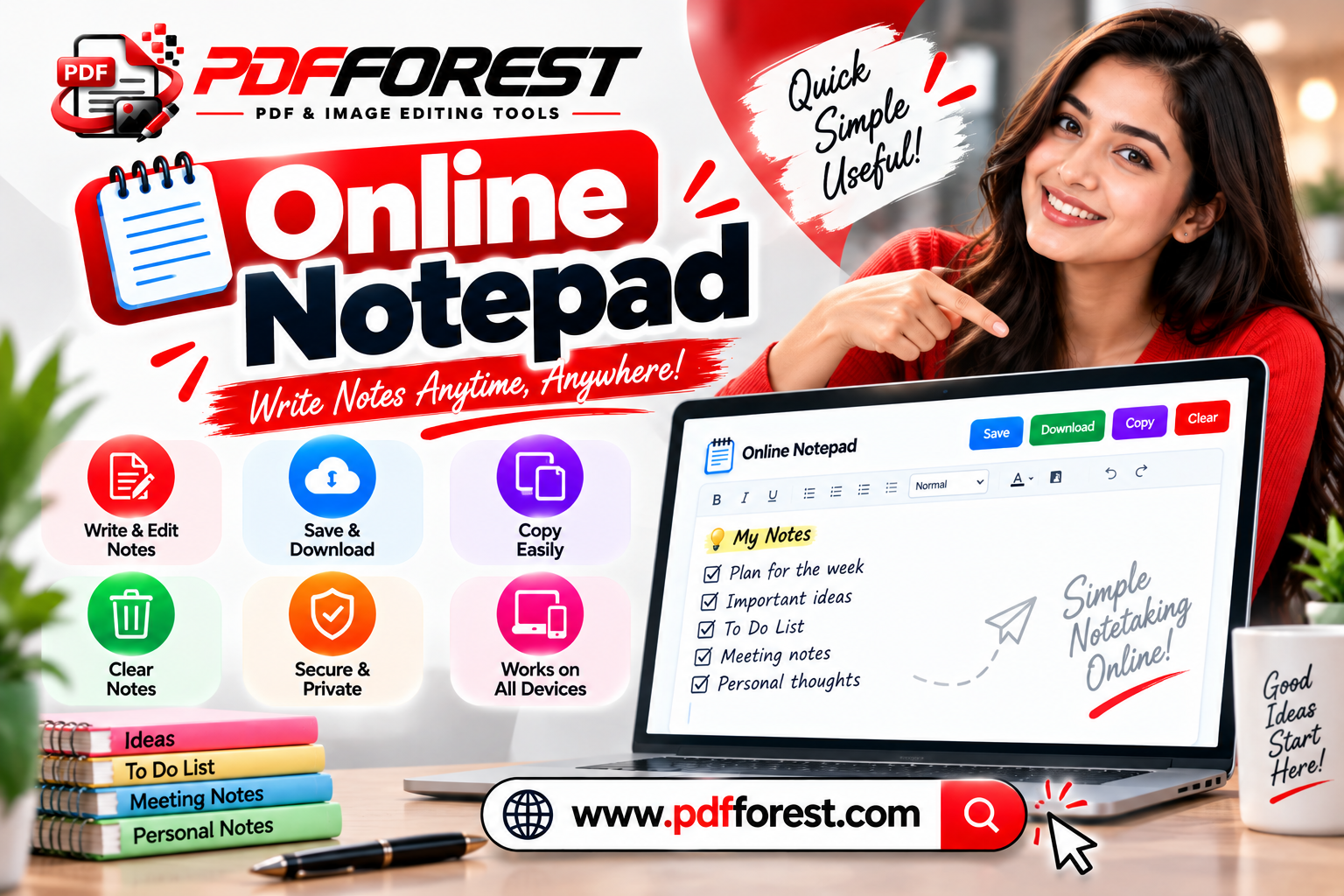
The Power of the Digital Scratchpad: Why Simple Browser Notepads Beat Heavy Apps for Quick Notes
By Adesh Katariya | Updated 09 October 2026
Discover why a simple online notepad free of clutter helps you draft faster, strip messy formatting, and auto-save notes right inside your web browser.
We have all been there: you are in the middle of a phone call, a video meeting, or a quick research session, and you need to jot down a phone number, an address, or a temporary thought immediately. You launch a feature-rich note application or a desktop word processor, only to watch it freeze, ask for an account update, or take ten seconds just to load a blank document.
By the time the interface is ready, the thought is gone or the caller has moved on.
Heavy, feature-laden note applications are excellent for structured project wikis and long-term knowledge archives. But for everyday scratchpad tasks—drafting a quick message, counting characters for a post, or stripping weird formatting off copy-pasted text—they get in the way.
This is where a lightweight
The Hidden Cost of Heavy Note-Taking Apps
In recent years, productivity tools have shifted toward feature density. Modern note-taking platforms give you relational databases, infinite canvases, nested page hierarchies, and automated tools. While these features serve complex team workflows, they introduce friction when all you want to do is write down plain text.
1. High Cognitive Load
When you open an app with dozens of formatting buttons, layout choices, and organizing options, your brain naturally shifts focus from what you are writing to how it should be structured. A simple scratchpad removes those decisions so you can capture ideas instantly.
2. Login Barriers and Account Dependency
Many popular tools lock your notes behind mandatory account logins, email verifications, and active internet connections. If you are on a borrowed computer, an administrative workstation, or a mobile browser with weak signal, accessing your temporary notes becomes a headache. Using an online notepad no sign up free of cost lets you start typing the instant your tab opens.
3. Slower Load Times
Desktop word processors and web-based workspace suites can take several seconds to load graphics, sync database indexes, and verify user permissions. An instant web-based notepad opens in milliseconds, acting like a true digital sheet of paper.
The Technical Conflict: Rich Text vs. Plain Text Formatting
One of the biggest silent productivity killers in modern office work is formatting pollution.
When you copy text from a website, a PDF document, or an email, you aren't just copying visible letters. You are also copying hidden formatting markup, font definitions, inline color styles, fixed line heights, and complex layout structures.
When you copy messy web text containing hidden styles, pasting it directly into an email draft or document carries those styles along, creating inconsistent fonts and broken line spacing. Passing that same text through an online notepad strips away the underlying web styles, leaving pure, clean plain text ready for publishing anywhere.
How an Online Scratchpad Solves Formatting Errors
An online scratchpad acts as a universal formatting filter. When you paste rich text into a plain-text browser notepad, the browser strips away all underlying markup tags and text styling.
It leaves behind pure, clean plain text. From there, you can copy the clean text and paste it anywhere with complete confidence that your font styles and line spacing will stay consistent.
Learning how to clear text formatting online free using an instant scratchpad saves content managers, copywriters, and students countless hours of tedious editing every week.
Key Features That Make Browser Notepads Essential
A great digital scratchpad strikes a fine balance between extreme simplicity and practical utility. Here are the core features to look for in a web-based writing tool:
1. Automatic Local Saving (Browser LocalStorage)
Accidental tab closures and sudden browser crashes used to mean losing your unsaved work. Modern web scratchpads solve this problem by leveraging your browser's internal local storage.
A reliable browser notepad auto save feature writes your text directly to your device's browser memory in real time. Even if you close the browser tab, restart your computer, or lose your internet connection, your drafted text remains intact when you re-open the page.
2. Built-In Word and Character Counters
Whether you are writing a meta description for an article, drafting a social media update, crafting a short bio, or completing an academic writing assignment, keeping track of length is critical. Using an online notepad with word counter and char counter gives you real-time feedback as you type, removing the need to paste text into separate checking utilities.
3. Instant Plain Text Exports
Once your draft is complete, a good scratchpad lets you export your work with a single click—saving your text as a plain document file or converting it straight into a clean PDF document for immediate sharing.
Privacy and Data Security: How Browser Scratchpads Keep Your Data Safe
When drafting sensitive emails, temporary passwords, meeting notes, or personal ideas, data privacy is a natural concern. How do you know an online notepad isn't storing your private notes on an external server?
The safest web utilities operate on a client-side processing model:
Local Data Retention: When you type into a client-side scratchpad, the text is stored strictly within your local browser memory.
Zero Server Transmission: The content of your notes is not uploaded to, processed by, or stored on remote web servers.
Instant Clearing: Clearing your browser cache or selecting clear note wipes the text from your local memory completely.
Because your text never leaves your device, using a browser-first scratchpad is often far more secure for temporary drafting than saving notes in cloud-synced applications.
On-The-Go Workflows: Mobile Browser Scratchpads
Frictionless note-taking is just as important on mobile devices as it is on desktop computers. Whether you are walking between meetings, conducting field interviews, or jotting down ideas while commuting, relying on a quick note pad online mobile browser tool allows you to capture thoughts instantly.
Opening your mobile browser and launching an online notepad lets you type your draft immediately, saving it directly into your phone browser memory without installing additional software.
Because responsive web scratchpads run directly inside Safari, Chrome, or Firefox without requiring app installation from an app store, they use zero phone storage space while offering the same fast performance across every device you own.
Frequently Asked Questions
Will I lose my notes if I accidentally close the browser tab?
No. As long as your online scratchpad uses local browser storage, your written content is automatically saved locally on your device and will reappear when you re-open the web page.
How does an online notepad remove formatting from copied text?
When you paste text into a plain-text scratchpad, the browser automatically strips away embedded styling tags, inline formatting, font choices, and custom colors, leaving behind unstyled plain text.
Is my private text uploaded to external servers when using a free notepad?
Privacy-first online notepads process your text entirely on the client side inside your browser. Your notes are stored locally in your browser memory and are never transmitted to external databases or cloud servers.
Do I need to create an account or register to save my notes?
No. Quality web-based scratchpads operate with zero sign-ups, zero account requirements, and zero subscriptions, allowing you to open the page and start writing immediately.
Conclusion
Complex workspace applications have their place, but when speed, privacy, and simplicity matter most, a clean digital scratchpad is unbeatable. By removing login barriers, clearing messy formatting automatically, and saving your drafts locally in real time, a browser-based notepad keeps your writing workflow smooth and distraction-free.
Need a fast, simple, and secure place to draft your next idea? Visit the free