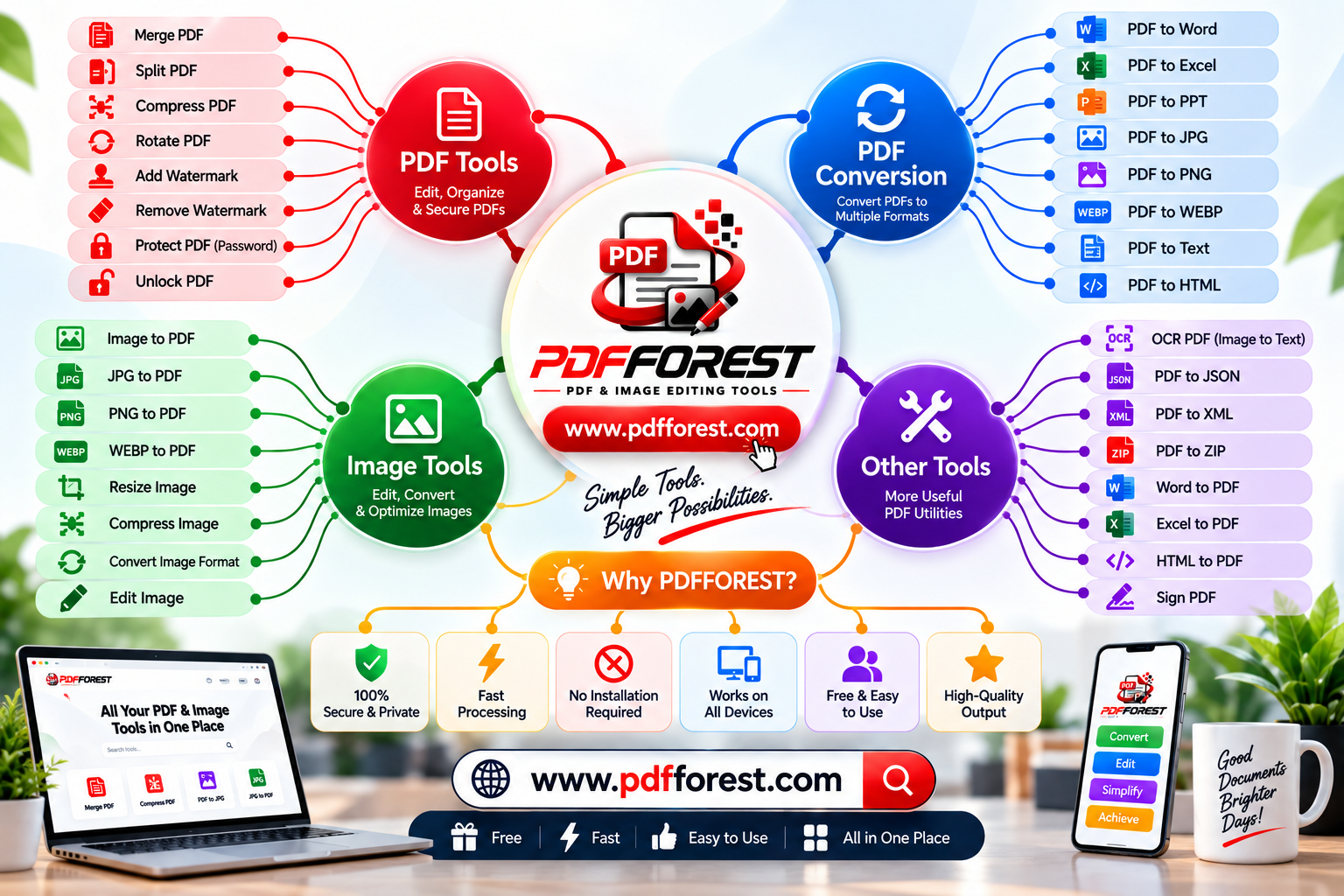
Beyond Desktop Software: How Web-Based Utilities Are Changing Document Management
Discover how modern browser tools replace desktop software. Learn to compress, convert, merge, and secure PDF files online using accessible web utilities.
We have all been there: you are about to submit an important application, upload a tax form, or send a project report, only to be stopped by a rigid file portal error. The message usually says your file exceeds the 2 MB limit, requires a specific image format, or must be merged into a single document.
In the past, solving these daily file problems required purchasing expensive desktop software, waiting through lengthy installations, or wrestling with complex feature menus. Today, lightweight web tools have completely transformed how we handle digital administration.
Modern browser platforms allow you to
In this guide, we will explore why web utilities are replacing desktop software, break down the technical principles behind file conversion and image compression, and show you how to streamline your everyday document tasks on any device.
The Shift From Desktop Software to Browser Utilities
For decades, desktop software dominated document management. While desktop programs remain powerful, they introduce significant friction into daily workflows:
High Cost Barriers: Traditional desktop PDF suites require recurring subscription fees that are hard to justify for occasional file editing.
Device Lock-In: Software licenses are often tied to a single desktop workstation, making it difficult to process files when working remotely or on a mobile phone.
Storage and System Overhead: Installing bulky software consumes hard drive space and system memory just to perform basic tasks like rotating a page or converting a JPEG.
Modern web tools eliminate these barriers. Built on advanced browser engines, online utilities deliver professional file processing through clean web interfaces without requiring downloads, account creation, or software installations.
Understanding Document Engineering: Why File Formats Conflict
To troubleshoot document errors effectively, it helps to understand why different file formats behave the way they do.
PDF Formats: Use vector math, font glyph maps, and multi-layered layouts to lock formatting in place across screens.
Image Formats (JPG, PNG, WebP): Use fixed pixel grids and specialized compression algorithms to store visual data.
Office Formats (Word, Excel): Use structured XML trees, relative table coordinates, and editable text styles.
A PDF (Portable Document Format) is an ISO-standard container designed to preserve visual layouts across every screen. It locks fonts, vector drawings, and raster images into exact page coordinates.
However, this fixed layout structure creates challenges when transferring data into other applications:
Converting to Editable Text: Standard PDFs do not store paragraphs or tables like a Word document does; they store visual lines and text coordinates. Reconstructing a PDF into an editable document requires sophisticated layout analysis.
Scanned Images vs. Searchable Text: Scanned PDFs are simply flat digital photographs stored inside a PDF shell. To edit or search them, software must run Optical Character Recognition (OCR) to identify letter shapes and build an underlying text layer.
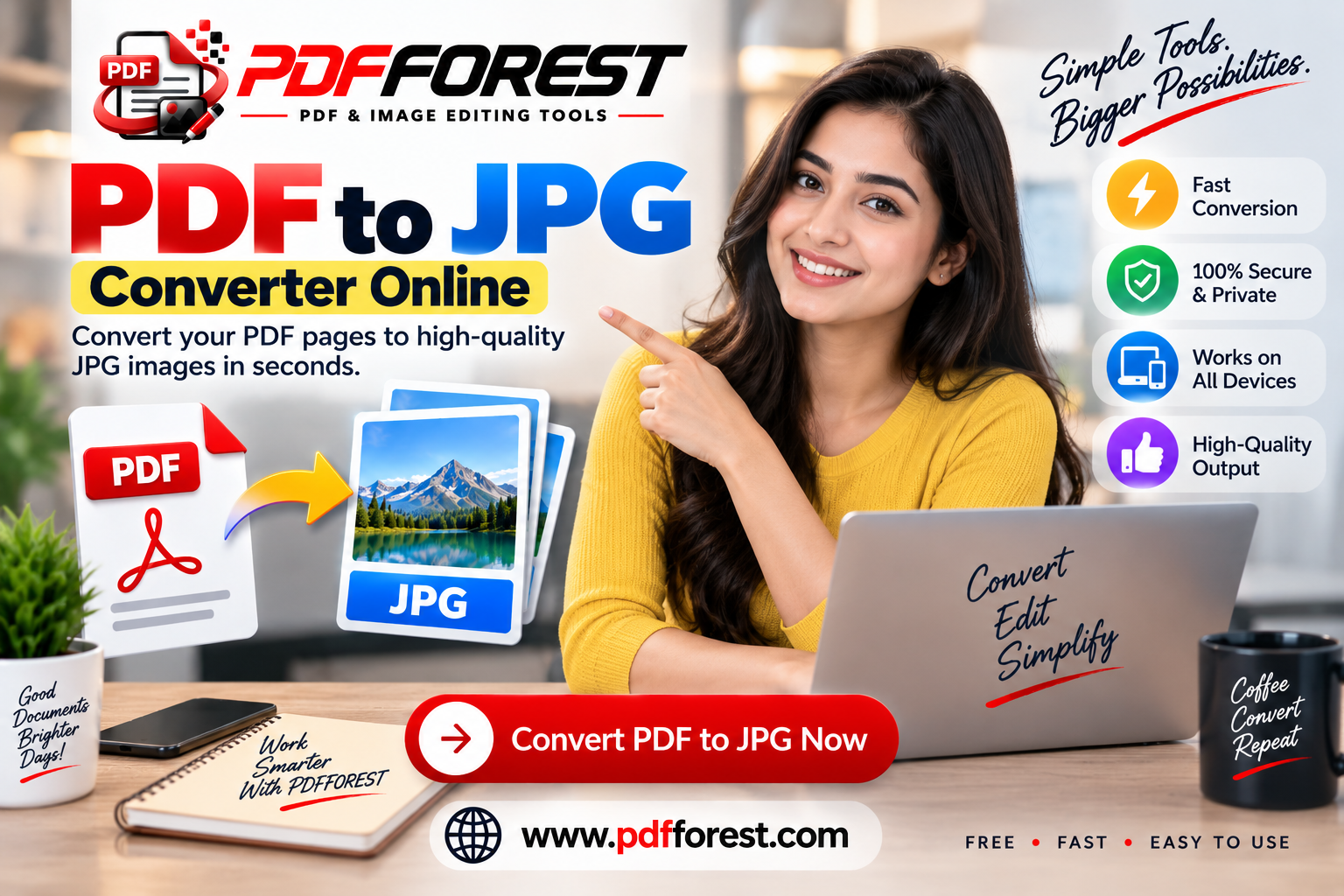
Image Rasterization: Converting a vector-based PDF into an image requires rasterizing mathematical lines into a fixed grid of pixels. Using the wrong settings can lead to blurry text or bloated file sizes.
How Image Compressors and PDF Utilities Solve Everyday Office Blockers
Online document platforms provide targeted utilities designed to solve specific workflow challenges instantly.
1. Smart Compression: Reducing File Sizes Without Blurry Text
When an online portal asks you to compress pdf to 200kb, aggressive compression can easily degrade scanned text and images. Advanced web utilities solve this using multi-stage compression:
Stream Deflation: Removing redundant metadata, duplicate font resources, and invisible thumbnail layers.
Selective Image Re-sampling: Downscaling high-resolution background graphics to optimal web densities (such as 150 or 200 DPI) while keeping text sharp.
2. Multi-File Merging and Page Extraction
When compiling research papers, legal exhibits, or monthly financial reports, handling multiple separate documents creates unnecessary clutter. Modern
3. Converting Scanned PDFs to Editable Word with OCR
Attempting to edit a scanned paper contract or physical invoice can waste hours of manual retyping. By using tools that convert scanned pdf to editable word with ocr, web platforms analyze pixel patterns, recognize typography, and generate editable text files complete with original page formatting.
4. PDF to Excel Conversions with Exact Formatting
For accountants and financial analysts, pulling table data out of PDF bank statements or financial reports is a common headache. Specialized tools designed for pdf to excel converter online exact formatting parse structural grid lines, mapping coordinate rows directly into structured spreadsheet cells.
Security and Privacy in Web-Based File Processing
A primary concern when using online tools is document privacy—especially when handling sensitive financial records, legal contracts, or personal identity documents.
Modern, security-conscious web platforms protect user data using robust security standards:
Client-Side In-Browser Execution: Modern web technologies allow many conversion tasks to process locally inside your browser, meaning your files never leave your device.
Encrypted Data Transfer: When server-side processing is necessary (for complex tasks like OCR), files are transmitted over secure HTTPS connections using SSL encryption.
Automatic Deletion Policies: Reliable utilities enforce strict auto-deletion protocols that purge temporary files from processing servers within minutes.
When preparing confidential records, look for tools that offer options to how to password protect pdf file online free, allowing you to apply encryption before sharing files via email or cloud storage.
Mobile Workflows: Managing Documents On the Go
Modern office work isn't confined to a desk. Whether you need to scan a signed paper contract using your smartphone camera or convert image to pdf on mobile browser, web utilities provide responsive mobile interfaces that work across iOS and Android browsers without installing extra apps.
This mobile-first accessibility allows remote workers, field agents, and students to process, compress, convert, and sign documents from anywhere.
Frequently Asked Questions
Is it safe to process confidential documents using an online PDF tool?
Yes, provided you use a trustworthy platform that uses secure HTTPS encryption, supports client-side browser processing, and automatically deletes temporary files from servers shortly after conversion.
Why does my document text look blurry after image compression?
Blurry text happens when a tool uses overly aggressive lossy compression or drops the image resolution below 150 DPI. Quality converters balance compression ratios so that text remains sharp and legible while file sizes shrink.
How does OCR technology convert scanned PDFs into editable text?
OCR (Optical Character Recognition) analyzes the pixel patterns in a scanned image, compares them against letter shapes and font databases, and generates a searchable text layer that can be edited in Word or text processors.
Can I process multiple PDF pages at once on my mobile device?
Yes. Quality web utilities are fully optimized for mobile browsers, allowing you to select, merge, convert, or compress multi-page documents directly on your smartphone or tablet.
Conclusion
The shift from heavy desktop software to lightweight web utilities has made document management faster, simpler, and accessible to everyone. Whether you need to compress large files for portal uploads, extract tables into Excel spreadsheets, run OCR on scanned contracts, or convert documents on your phone, modern browser tools solve complex file problems in seconds.
Looking for a reliable suite of fast, secure, and easy-to-use document tools? Explore the free utilities available at