Structuring the Unstructured: Best Practices for Converting PDF Invoices and Forms to XML
Learn how to use a pdf to xml converter free tool to turn invoices and forms into structured XML — with tips for tables, nesting, and OCR.
An invoice looks simple enough on a screen — a header, a table of line items, a total at the bottom. But to a computer, that PDF is just a flat collection of shapes and text positions with no idea that "vendor name" and "invoice total" are meaningfully different pieces of data.
That's the exact problem XML was built to solve. Instead of a static visual layout, XML wraps every piece of information in labeled, nested tags —
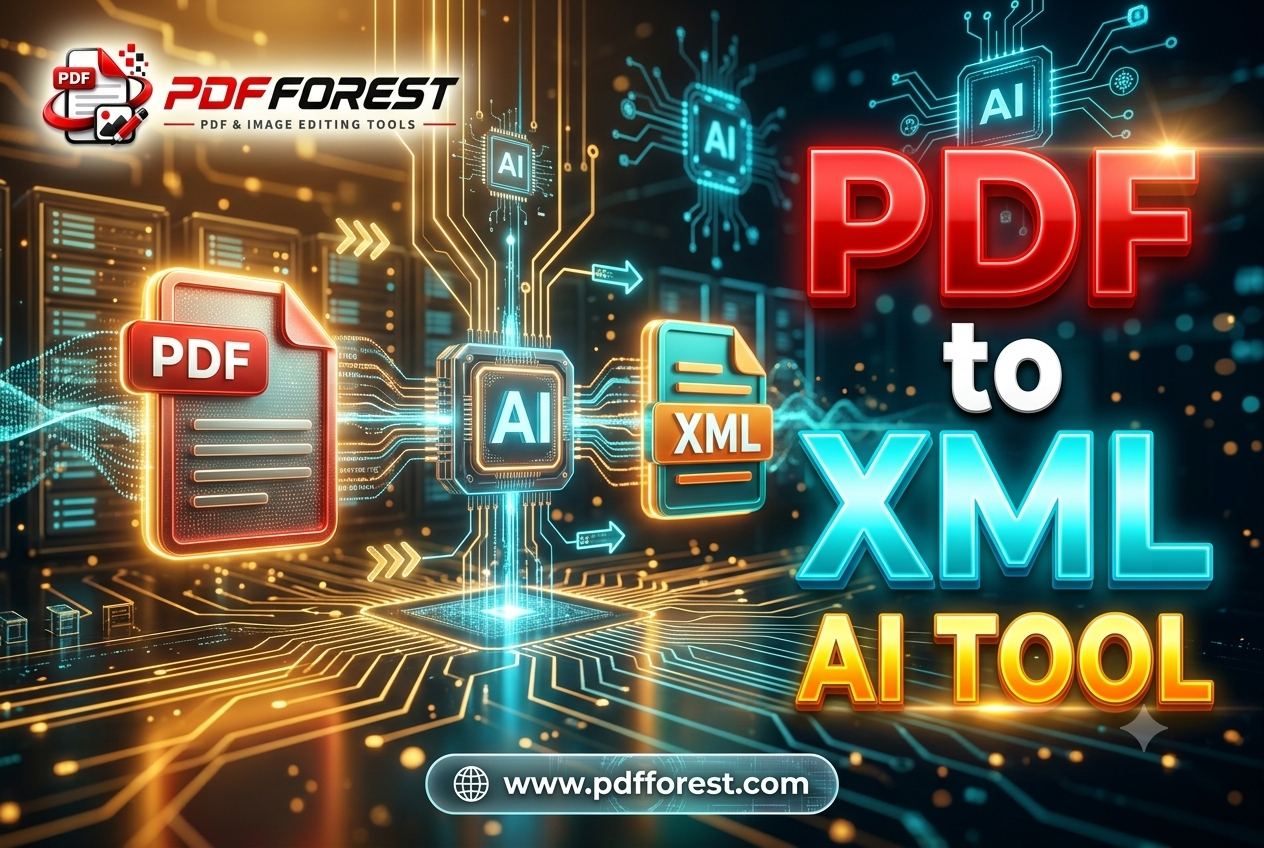
In this guide, you'll learn how a pdf to xml converter free tool actually works, why hierarchy and nesting break so often during conversion, and how to reliably extract PDF data to machine readable XML — even from scanned invoices and multi-section forms.
Why PDFs and XML Speak Different Languages
The core conflict here is the same one that trips up most document automation projects: PDFs are built for visual presentation, while XML is built for data hierarchy.
A PDF stores content as a set of instructions for where to draw text and lines on a page — it has no built-in concept of "this is a table" or "this field belongs inside that section." XML, by contrast, is entirely structural. Every value lives inside a parent-child relationship: a line item belongs inside an invoice, a tax amount belongs inside a line item, and so on.
When you convert a PDF to XML, software has to infer that hierarchy from visual cues alone — spacing, alignment, font size, and position on the page. That inference step is where most conversion problems start, especially with documents that weren't designed with clean, consistent layouts to begin with.
Common Pain Points When Converting PDF to Structured XML
Before troubleshooting a specific conversion, it helps to recognize which category your problem actually falls into.
Loss of Data Hierarchy
The most frequent complaint: a converter pulls out the right text, but flattens everything into a single level instead of preserving parent-child relationships. You get a list of values with no indication that three of them belong under "Line Item 1" and three more belong under "Line Item 2."
Nested Tag Structures Failing to Map Correctly
Forms with sections inside sections — think a tax form with multiple schedules, or a lab report with sub-panels of test results — often collapse during conversion. The nesting that made sense visually (indented sub-items under a header) doesn't automatically translate into nested XML tags unless the converter is specifically built to detect that relationship.
Missing Dynamic Attributes
More advanced XML workflows also expect attributes beyond raw text — bounding box coordinates, font styling, or confidence scores from extraction. Basic converters often strip this out entirely, returning only plain text values with no metadata, which limits how the XML can be validated or reused downstream.
Scanned Documents With No OCR Layer
If the source document is a scanned invoice or a photographed form, there's no text to extract at all — just pixels. Attempting to convert scanned PDF invoice to XML automatically without an OCR step first will produce an empty or garbled result, since the converter has nothing to read.
How to Retain PDF Table Structure When Converting to XML
Tables are the backbone of most invoices and forms, and they're also the most fragile part of any conversion. A few practical fixes:
- Use a converter with table-boundary detection, not one that extracts text in a straight line-by-line read order. Gridline and cell detection dramatically improves row-to-row and column-to-column accuracy.
- Check header row mapping first. If the header row ("Item," "Quantity," "Rate," "Total") doesn't map cleanly to child tags, every row beneath it will inherit the same error.
- Watch for merged cells. Invoices often merge cells for subtotals or notes rows — these are a common point where table extraction breaks down and needs manual review.
- Validate against a schema if one exists. If you're converting PDF to an XML schema online for integration into a system like SAP or Oracle, validate early rather than after processing hundreds of documents.
Preserving Nested Tag Hierarchy During Conversion
To keep nested structures intact, focus on how the converter is instructed to interpret document sections, not just extract raw text:
- Map the document's logical sections first. Identify header, line-item, and summary sections before conversion, either manually for one-off jobs or via configuration for repeated document types.
- Use consistent parent tags for repeating elements. Every line item should nest under the same parent tag structure (e.g.,
- Test with a single representative document first. Before running an entire batch, confirm the XML output correctly nests one full sample — it's much faster to fix a template issue on one document than on a thousand.
This kind of structured mapping matters most for backend integrations, where an ERP or database expects XML in a very specific, predictable shape rather than a loose approximation of the original PDF.
Converting Scanned PDF Invoices to XML Automatically
For scanned documents, OCR has to run before any XML structuring is possible. The typical pipeline looks like this:
- OCR pass — the scanned image is analyzed and converted into machine-readable text.
- Layout analysis — the extracted text is grouped based on position, spacing, and detected table or section boundaries.
- XML generation — the structured groups are mapped into nested XML tags matching the target schema.
Scan quality has an outsized impact here. A clean 300 DPI scan of a standard invoice template will extract far more reliably than a low-resolution photo of a document taken at an angle. If you're processing scanned invoices regularly, look specifically for a converter that discloses OCR accuracy and supports table detection on scanned content — not just on native, text-based PDFs.
Python Libraries for PDF to XML Data Extraction
For teams building extraction into their own pipeline, a few open source PDF to XML data extraction libraries handle different parts of the job:
- PyMuPDF (fitz) — extracts text along with positional (bounding box) data, useful for reconstructing layout-based hierarchy.
- pdfplumber — strong for table detection, which can be exported and restructured into nested XML.
- lxml — not an extraction tool itself, but the standard library for building and validating well-formed XML output once data is extracted.
A simple parse PDF to XML python flow using pdfplumber and lxml might look like this:
import pdfplumber
from lxml import etree

root = etree.Element("invoice")

with pdfplumber.open("invoice.pdf") as pdf:
    page = pdf.pages[0]
    tables = page.extract_tables()
    line_items = etree.SubElement(root, "lineItems")
    for row in tables[0][1:]:  # skip header row
        item = etree.SubElement(line_items, "item")
        etree.SubElement(item, "description").text = row[0]
        etree.SubElement(item, "quantity").text = row[1]
        etree.SubElement(item, "total").text = row[2]

xml_output = etree.tostring(root, pretty_print=True)
This gives you a working nested structure to build on, though production pipelines typically add validation, error handling, and schema mapping on top.
Frequently Asked Questions
What is the best way to convert a PDF invoice to XML automatically? The most reliable approach combines OCR (for scanned documents), table-boundary detection (to preserve line items), and a defined XML schema so extracted data maps into consistent, predictable tags rather than a flat list of values.
Why does my PDF to XML conversion lose the table structure? Most converters extract text based on visual position rather than true table data, since PDFs don't store structural information the way spreadsheets or databases do. Using a tool with dedicated table detection significantly reduces this problem.
Can I convert a scanned PDF to XML for free? Yes. Tools like PDF Forest's PDF to XML converter include built-in OCR, so scanned invoices and forms can be converted into machine-readable XML without a paid plan for standard documents.
How do I preserve nested tag hierarchy when converting PDF to XML? Map the document's logical sections (header, line items, summary) before conversion, and use consistent parent tags for repeating elements like line items, so the nesting reflects the actual data relationships rather than a flat text dump.
Is there an open source library for PDF to XML extraction in Python? Yes. pdfplumber and PyMuPDF handle text and table extraction, while lxml is commonly used to build and validate the resulting XML structure once the data has been pulled from the PDF.
Turn Messy PDFs Into Clean, Structured Data
Invoices, tax forms, and lab reports weren't designed to be read by machines — but with the right conversion approach, they don't have to stay locked in a static, unstructured format. Getting the hierarchy right the first time saves hours of manual cleanup and prevents broken imports into ERP systems further down the line.
If you're ready to stop manually rebuilding XML structures by hand, try PDF Forest's free PDF to XML converter — it handles native and scanned documents, preserves table and nesting structure, and outputs clean, schema-ready XML in seconds.