Making Code Human-Readable: How to Safely Turn JSON Exports into Clean PDFs
Need to convert JSON to PDF? Learn how to turn nested JSON, arrays, and API responses into clean, readable PDF reports and tables.
Open a raw JSON file and hand it to anyone outside engineering, and you'll get a blank stare. Curly braces, nested arrays, no visual hierarchy — it's built for machines to parse, not for people to read. But plenty of real-world situations need that same data presented as a document: a client report pulled from an API, an audit log someone in compliance needs to review, or a data export that has to go into a shared folder as something non-technical people can actually open and understand.
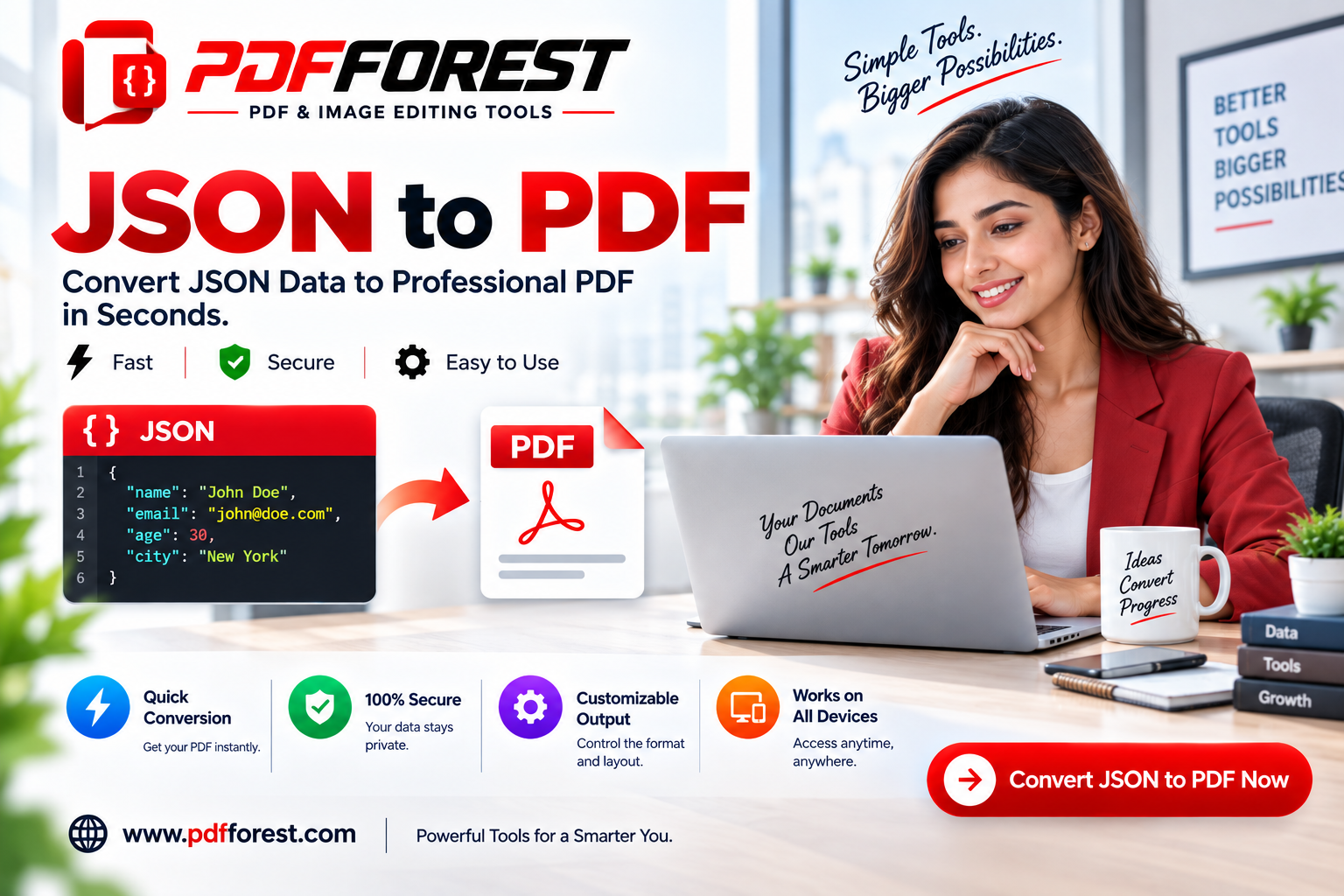
That's the gap a JSON to PDF converter fills. It takes that machine-readable structure and turns it into a formatted, human-readable document — tables, headings, indentation, the works.
In this guide, you'll learn how to convert JSON to PDF cleanly, how to handle nested JSON and arrays without the output turning into a wall of brackets, how to convert an API JSON response to a readable PDF, and what to check before using an online converter with sensitive data.
Why JSON and PDF Are Built for Completely Different Audiences
The core conflict here isn't really technical in the way PDF-to-Word or HTML-to-PDF conversions are — it's structural. JSON is a data interchange format, built to represent relationships (objects nested inside objects, arrays of repeated items) in a way that's unambiguous for a program to parse.
JSON has no built-in concept of a "page," a "table," or a "heading" — just keys, values, and nesting depth. A PDF, by contrast, is built entirely around visual presentation. When you convert JSON to PDF, the converter has to make interpretive decisions that JSON itself doesn't specify: should this nested object become an indented sub-section? Should this array become a table, or a bulleted list? Should deeply nested data collapse into a summary, or expand fully across multiple pages?
This is why a "dump the raw text into a document" approach almost always produces something unreadable, while a good converter actually restructures the data visually rather than just reformatting the font.
How to Convert Nested JSON to a PDF Table
Nested JSON — objects inside objects, arrays inside objects — is the single biggest readability challenge in this kind of conversion. A flat JSON object translates to a document fairly easily. A deeply nested one does not.
A few approaches handle this well:
- Flatten shallow nesting into a single table. If an object has one or two levels of nesting, a converter can often represent it as a table with grouped rows, keeping related fields visually together without collapsing readability.
- Convert repeating nested arrays into sub-tables. For example, an order object containing a
line_itemsarray should become a main summary table with a nested table underneath it for the line items, rather than every field being flattened into one enormous row. - Use indentation and headers for deeper structures. Beyond two or three levels, a table format usually breaks down. At that point, using nested headings with indented key-value pairs tends to stay more readable than forcing everything into table cells.
Testing with a real sample of your data (not a simplified example) matters here, since nesting depth and array length vary a lot between JSON structures, even within the same API.
Convert JSON Array to PDF Table Free: The Most Common Use Case
The single most requested version of this task is straightforward: you have a JSON array of similar objects — orders, users, log entries — and you want it as a clean table, one row per array item.
The general process:
- Upload or paste your JSON array into a converter.
- Confirm the field mapping. A good tool will automatically detect the keys in your objects and map them to table columns; check that this mapping looks right before generating the final PDF, especially if some objects in the array have missing or extra fields.
- Handle inconsistent fields. If some array items have keys that others don't, decide whether missing fields should show as blank cells or be excluded from the table entirely.
- Generate and review the PDF, checking that columns are wide enough for the data and that long text fields wrap rather than getting cut off.
This is the exact workflow behind turning a JSON array to pdf table free conversion into something that actually looks like a usable report rather than a data dump.
Format Raw JSON Payload to PDF Document
Sometimes what you're working with isn't a clean array — it's a full API payload, with metadata, nested objects, and arrays all mixed together in one response. To format raw json payload to pdf document cleanly:
- Separate metadata from the main content. API responses often include wrapper fields (status codes, pagination info, request IDs) that aren't meaningful to a document reader. A good converter — or a quick manual pass — should separate this from the actual data being reported.
- Pretty-print before converting. Minified JSON (no line breaks or indentation) is difficult to read at any real length. Running it through a JSON formatter first, so it's properly indented, makes it dramatically easier both to review before converting and to troubleshoot if a converter misreads the structure.
- Watch for deeply nested optional fields. Payloads often include fields that are
nullor absent depending on context. Deciding upfront how the converter should handle empty or missing values keeps your output consistent instead of scattered with blank rows.
Pretty Print JSON to PDF: Why Formatting Matters
Even before you're building a structured table, simply pretty-printing JSON — proper indentation, line breaks, consistent spacing — makes a huge difference in the final PDF's readability. A pretty-printed JSON block in a PDF, formatted in a monospace font with syntax-aware indentation, is genuinely useful for developer documentation, debugging references, or technical audit trails, even without converting it into tables at all.
Convert API JSON Response to Readable PDF
If you're pulling data directly from an API rather than a saved file, a few extra considerations come into play:
- Capture the full response, not just the visible portion in your testing tool, since some API clients truncate large responses in their preview pane.
- Strip authentication tokens or headers before converting if they were included in your capture — these shouldn't end up in a shared document.
- Choose a structure that matches the response shape. A single-object response (like a user profile) converts well to a key-value layout; an array-based response (like a list of transactions) converts better to a table.
This workflow is common for generating client-facing reports directly from a live API, or for creating a readable snapshot of API output for documentation or troubleshooting purposes.
Secure JSON to PDF Conversion: What Matters for Sensitive Data
JSON exports frequently contain data you don't want sitting on a third-party server indefinitely — user records, financial data, internal logs. Before uploading anything sensitive to an online converter, check for:
- Client-side processing. A secure json to pdf converter client side tool converts the file directly in your browser without sending the data to an external server at all, which is the strongest privacy guarantee available for this kind of task.
- Encrypted transfer (HTTPS) if the tool does process files server-side, so data isn't exposed in transit.
- No retention after processing. If server-side processing is used, confirm the tool deletes uploaded files rather than storing them indefinitely.
For genuinely sensitive exports — internal system logs, customer records — a client-side or browser-based converter is generally the safer default, since the data never technically leaves your machine.
Frequently Asked Questions
How do I convert a JSON array into a PDF table? Upload or paste the JSON array into a converter that detects the object keys and maps them to table columns automatically. Reviewing the field mapping before generating the PDF catches most formatting issues, especially when array items have inconsistent fields.
Can I convert deeply nested JSON to PDF without it becoming unreadable? Yes, though very deep nesting (more than two or three levels) usually reads better as indented headings and key-value sections rather than being forced into a single flat table.
Is it safe to convert JSON files with sensitive data online? It depends on the tool. Client-side converters that process the file directly in your browser, without sending it to a server, offer the strongest privacy for sensitive JSON data, since the file never actually leaves your device.
Does converting minified JSON to PDF require formatting it first? Not strictly, but pretty-printing minified JSON before converting makes the output significantly more readable and makes it much easier to catch structural issues before generating the final document.
Can I convert an API response directly to a PDF? Yes. Most JSON to PDF converters accept pasted or uploaded JSON regardless of source, so a captured API response can be converted the same way as a saved JSON file, once any authentication tokens or irrelevant metadata are stripped out.
Turn Your JSON Data Into a Document Anyone Can Read
Raw JSON is built for machines, not meetings, reports, or audits — but that doesn't mean the data has to stay locked in brackets and nested keys. Whether you're working with a single API response or a large array of records, converting it into a properly structured PDF makes that data usable for anyone who needs to read it, not just the people who can parse it.
Ready to turn your JSON into a clean, readable PDF? Try PDF Forest's JSON to PDF converter — it handles nested objects, arrays, and full API payloads, with no signup required to get started.