September 15, 2026
3 min read
Beyond Dictation: How to Convert Voice Recordings into Structured PDF Reports
Learn how to convert speech to PDF instantly. Easily dictate notes, transcribe voice recordings, and format raw audio into structured PDF documents for free.
We have all been there: you finish a two-hour lecture, an intense client discovery call, or a rapid-fire brainstorming session, only to realize you now have to type up pages of messy handwritten notes. Speaking is fast—most people talk at roughly 120 to 150 words per minute—but typing that same information manually cuts your output down to less than a third.
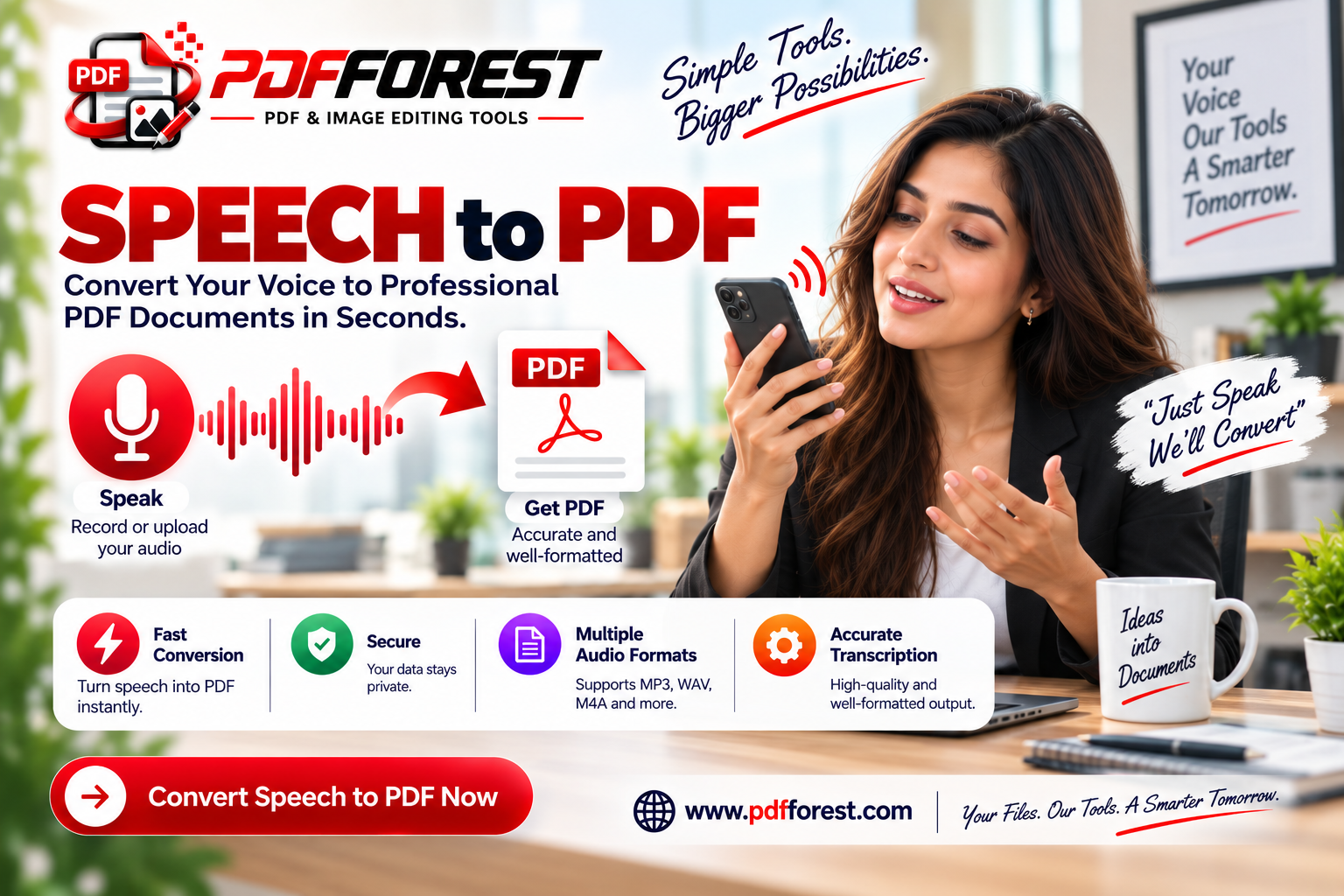
This productivity bottleneck is why turning speech to pdf in real time has become an essential workflow for students, journalists, legal professionals, and remote teams. Instead of spending hours retyping audio recordings or wrestling with desktop transcription software, modern browser-based tools allow you to convert speech to pdf instantly.
In this guide, you will learn how to turn raw audio files and real-time voice dictation into polished, searchable PDF transcripts. We will also tackle common formatting nightmares—like run-on paragraphs and missing punctuation—so your final export looks like an executive report rather than a stream of consciousness.
Looking to convert structured data payloads alongside your document workflow? You can also explore our free JSON to PDF Converter
What is a Speech to PDF Tool and How Does It Work?
What is a speech to pdf tool?
A speech to PDF tool is a web-based utility or software application that uses Automatic Speech Recognition (ASR) engine technology to transcribe spoken voice—either live from a microphone or uploaded as an audio file—into written text, automatically exporting the formatted result as a PDF document.
At its core, a voice to pdf converter bridges two distinct technical processes:
- Speech Recognition (ASR): Capturing acoustic waves via a Web Audio API interface or audio file parser, converting phonetic sounds into text tokens using natural language processing (NLP) models.
- Document Rendering: Taking those raw text tokens, applying layout properties (margins, page numbers, line breaks), and compiling them into a standardized, vector-based
.pdffile.
Whether you use an audio to pdf converter to process pre-recorded MP3/WAV files or use a real time voice typing to pdf online free utility on your browser, the system processes your voice, formats the text, and renders a portable document without requiring heavy software installations.
The Technical Conflict: Why Raw Dictation Makes Bad PDF Reports
While dictating notes feels effortless, raw speech-to-text outputs rarely look professional on their own. Speaking naturally introduces verbal quirks that do not translate well to written pages:
- Lack of Sentence Boundaries: Humans rarely speak with explicit punctuation, leading to massive, multi-page walls of text.
- Ambient Noise Artifacts: Background chatter, wind noise, or low-quality laptop microphones cause transcription engines to mishear words or output phonetic gibberish.
- Missing Structural Formatting: Dictation tools generate continuous streams of text without headings, bullet points, or page breaks.
To dictate notes and save as pdf file successfully, the raw text stream must pass through a structural parsing phase—adding line breaks, paragraph separations, and speaker tags—before rendering the final
.pdf output.How to Transcribe Voice Recording to PDF Document: A Step-by-Step Guide
Converting pre-recorded audio files or live dictation into a clean PDF document takes less than two minutes using browser-based utilities.
1. Prepare Your Input Source
Related Articles
View All
Oct 09, 2026
The Power of the Digital Scratchpad: Why Simple Browser Notepads Beat Heavy Apps for Quick Notes

Oct 09, 2026
Image Cropper Online Free: How to Crop Screenshots for Clean Image-to-Text Conversion
Sep 28, 2026